
Stamp identifier
for iPhone
Photograph one stamp, crop it to the perforations and tap Identify. In a few seconds you read the issuer, the year, the series and the catalog numbers, with a rarity score and, with Premium, a price range from eBay listings.
iPhone only. Free download; 1 identification every 24 hours without a subscription.
Recorded in the app: the photo is cropped to the stamp, uploaded and read.
Take a photo it can read
Most wrong answers start with the photo. Five habits make the biggest difference.
-
One stamp at a time
Take the stamp out of a crowded album page or crop tightly to it. Two stamps in one frame make the app guess which one you mean.
-
Flat and in daylight
Lay the stamp on a plain, light surface near a window. Avoid direct flash: it bleaches colours and hides fine lines of the engraving.
-
Out of the sleeve
Glassine and plastic mounts add glare. If the stamp is safe to handle, use tongs and photograph it bare.
-
Crop to the perforations
Drag the frame so the whole stamp, teeth included, fills it. The edges help tell perforated and imperforate issues apart.
-
Read the result, then check it
Compare the catalog number with your catalog or a trusted online listing before you buy, sell or file the stamp.
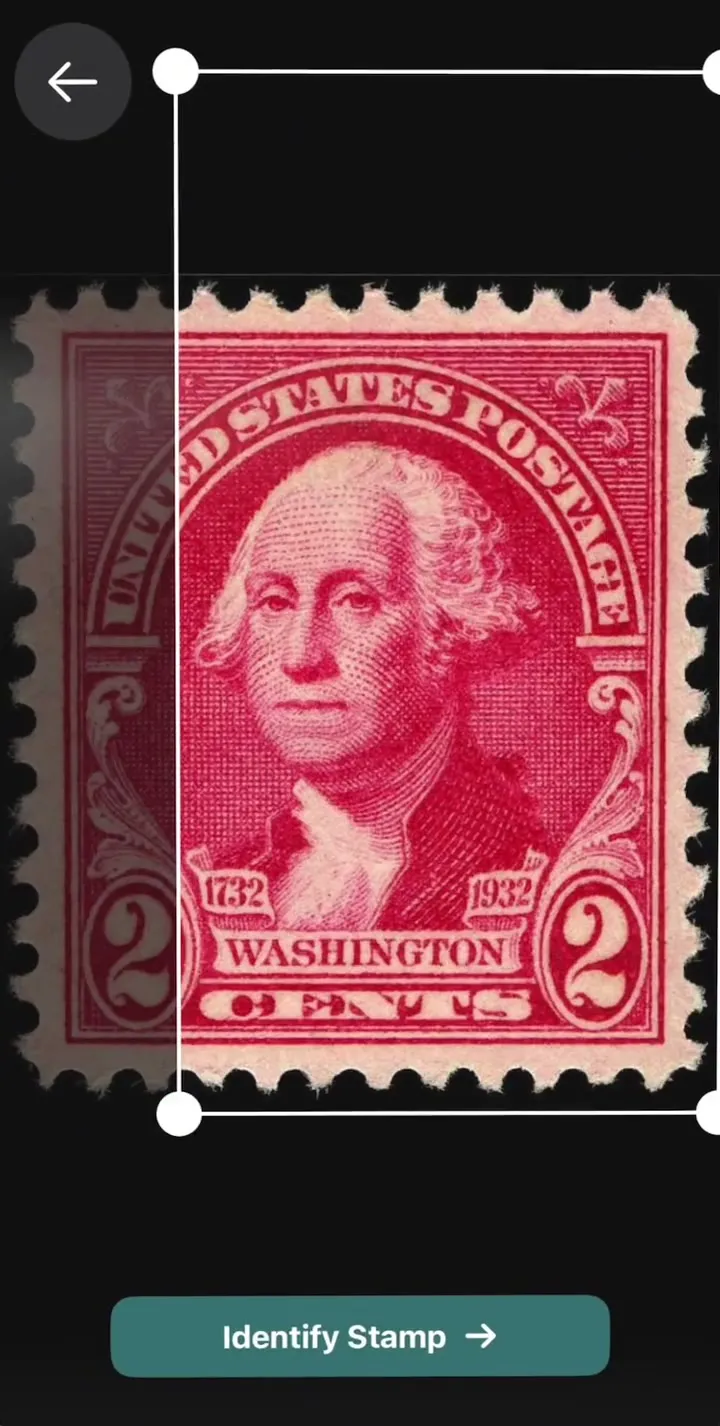
What a scan returns
Classic or modern
The app reads 19th-century classics as well as current issues, definitives as well as commemoratives, from countries that still exist and from those that do not. These four are typical of what people photograph.
-
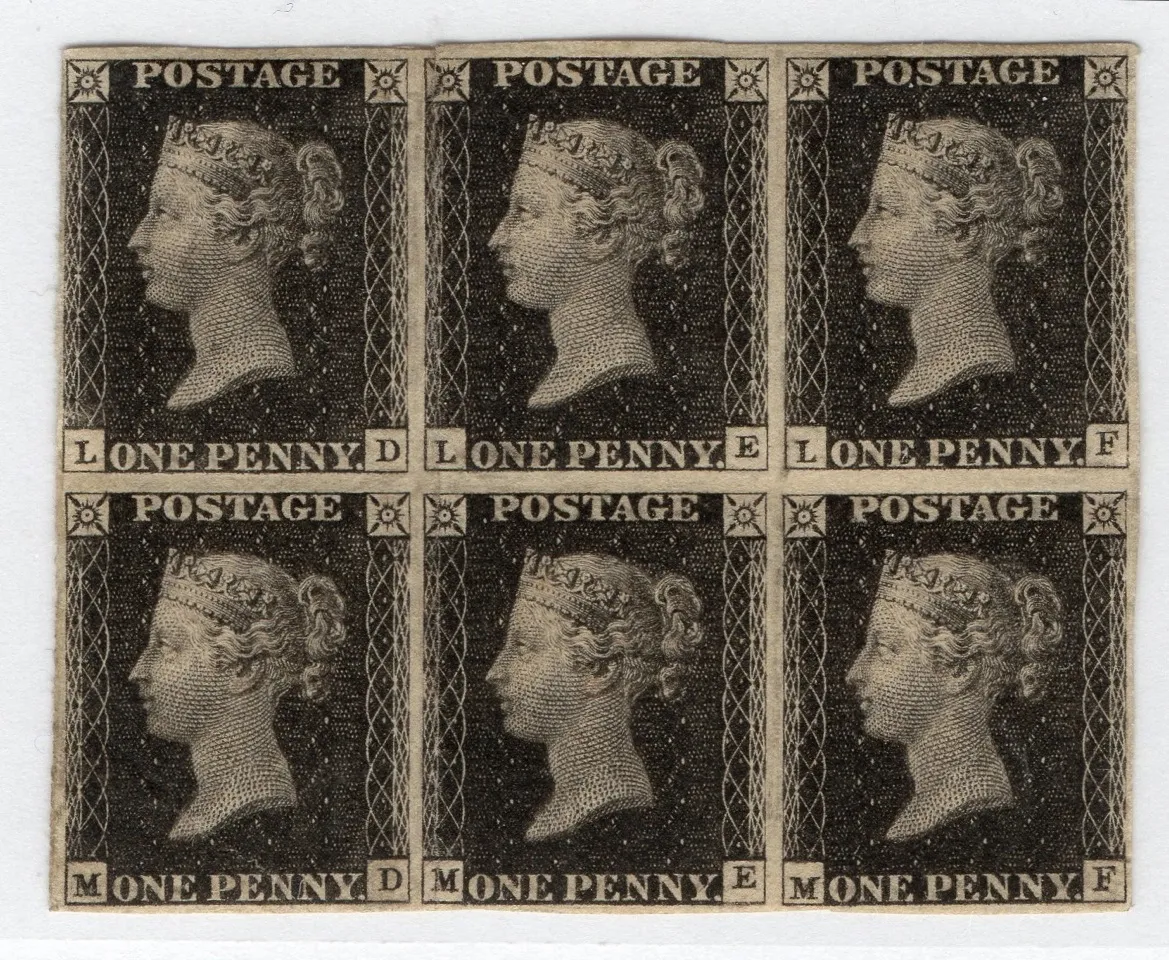
Great Britain, 1840. No country name, only the Queen's profile. Penny Black Block of six, General Post Office, public domain. Classic
-
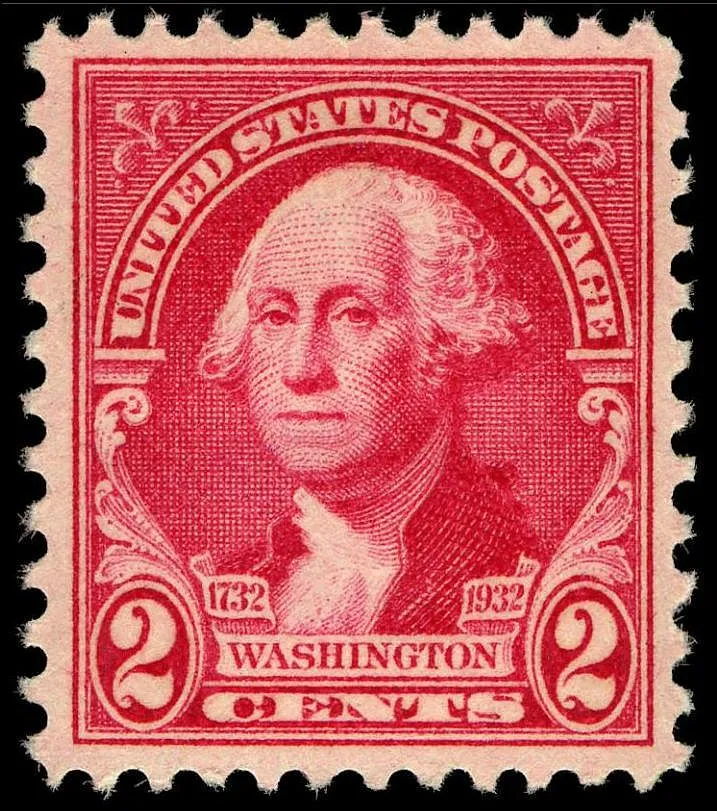
United States, 1932. Washington Bicentennial, 2 cents. Washingtonton bicentennial stamp, 2c, issue of 1932, Bureau of Engraving and Printing, public domain. Commemorative
-
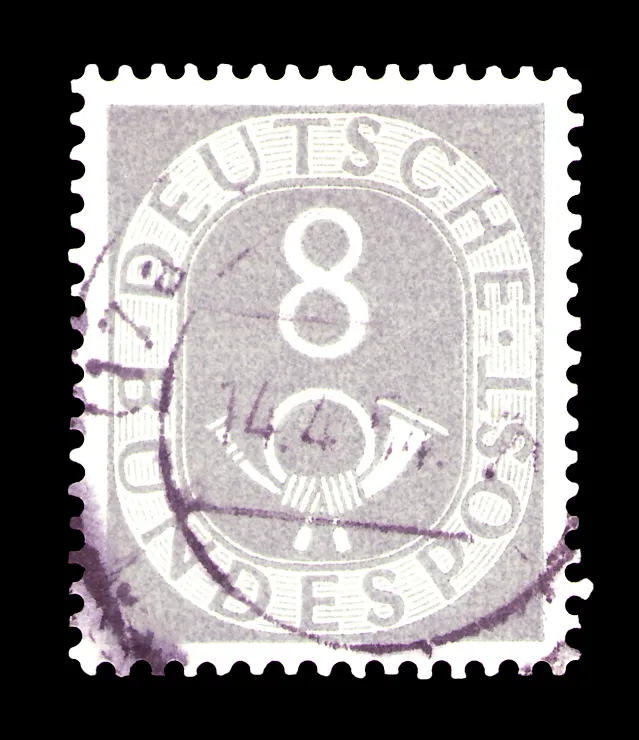
West Germany, Posthorn series, 8 pfennig, used. Deutsche Bundespost - Posthorn - 08 Pfennig, Georg A. Mathey, public domain. Definitive
-
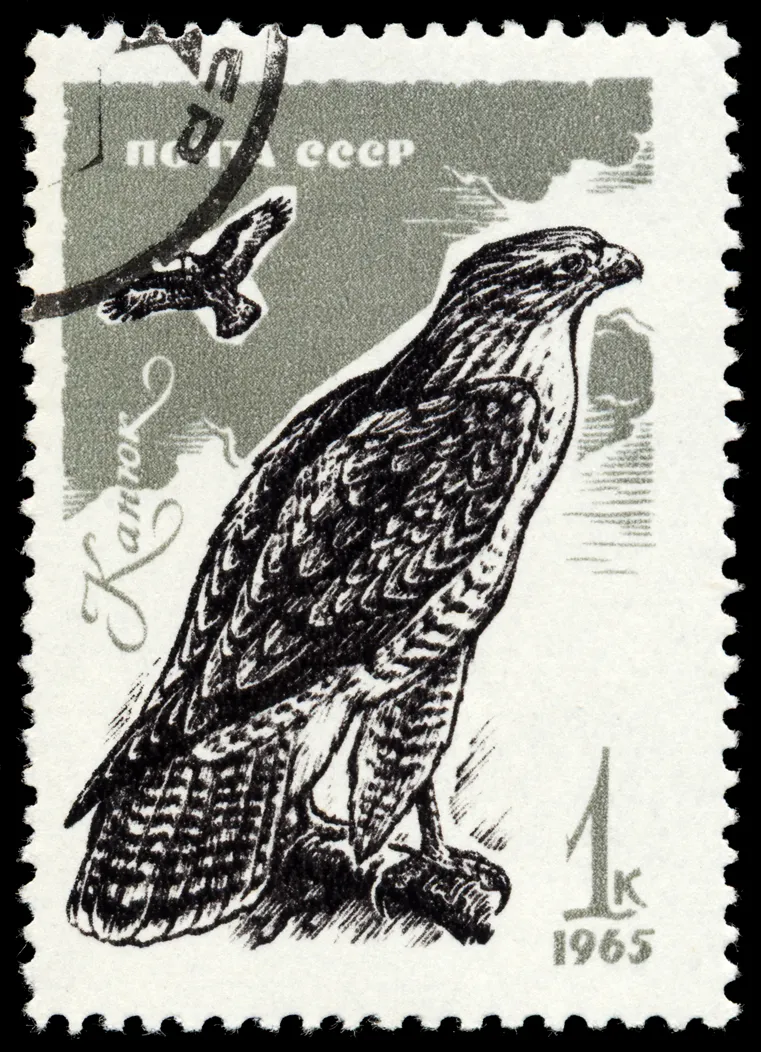
Soviet Union, 1965. Birds of prey, 1 kopeck. Stamp CCCP 1965 Maeusebussard Buteo Buteo MiNr 3146, Pixelschubser, public domain. Topical


What a photo cannot show
Some differences between a common stamp and a valuable one are invisible on a phone screen. The app tells you what the stamp is; these checks are still yours.
- Watermarks
- Many classic issues exist with different watermarks in the paper. You need watermark fluid or a detector to see them.
- Perforation gauge
- A difference of half a tooth per 2 cm can change the catalog number. Measure with a perforation gauge.
- Shades and paper
- Colour shades and paper types are hard to judge from a photo, and screens change colours.
- Condition
- Centring, gum, hinge marks, thins and repairs decide much of the value. The app does not grade condition.
- Reprints and forgeries
- Some reprints and forgeries look like the original in a photo. For anything valuable, ask for an expert certificate.
Questions about identification
It is most reliable with a sharp, evenly lit photo of a single, common stamp. Rare varieties can be missed because watermarks, perforation and paper are not visible in a photo. Check the catalog number before you rely on a result.
The result lists Scott, Michel or Stanley Gibbons numbers when they can be found. Not every stamp gets all three, and other catalogs such as Yvert et Tellier are not shown.
Yes. It reads the design, inscription, denomination and colours from the photo alone, so you do not need album pages or a watermark to get the issuer, year and series.
Yes. The photo is sent to our server to be identified, so the app needs a connection while it reads the stamp.
If the issuer is not in our directory of 1,214 issuers, the app says so instead of inventing a match. You can then search the directory on this site by name or inscription.
No. Condition, centring and gum need to be judged by eye or by an expert. The rarity score and price range do not account for faults on your copy.
Start with
one stamp
Download the app, point the camera at a stamp and tap Identify. Your first identification every 24 hours costs nothing.
Scan a stamp to identify it
Snap a photo and get instant details, catalog numbers, and value
Identify