
Organize a
stamp collection
A collection is easier to enjoy, insure and sell when you know what is in it. Here is a simple order that works for an inherited box as well as for a growing album.
iPhone only. Free download; 1 identification every 24 hours without a subscription.
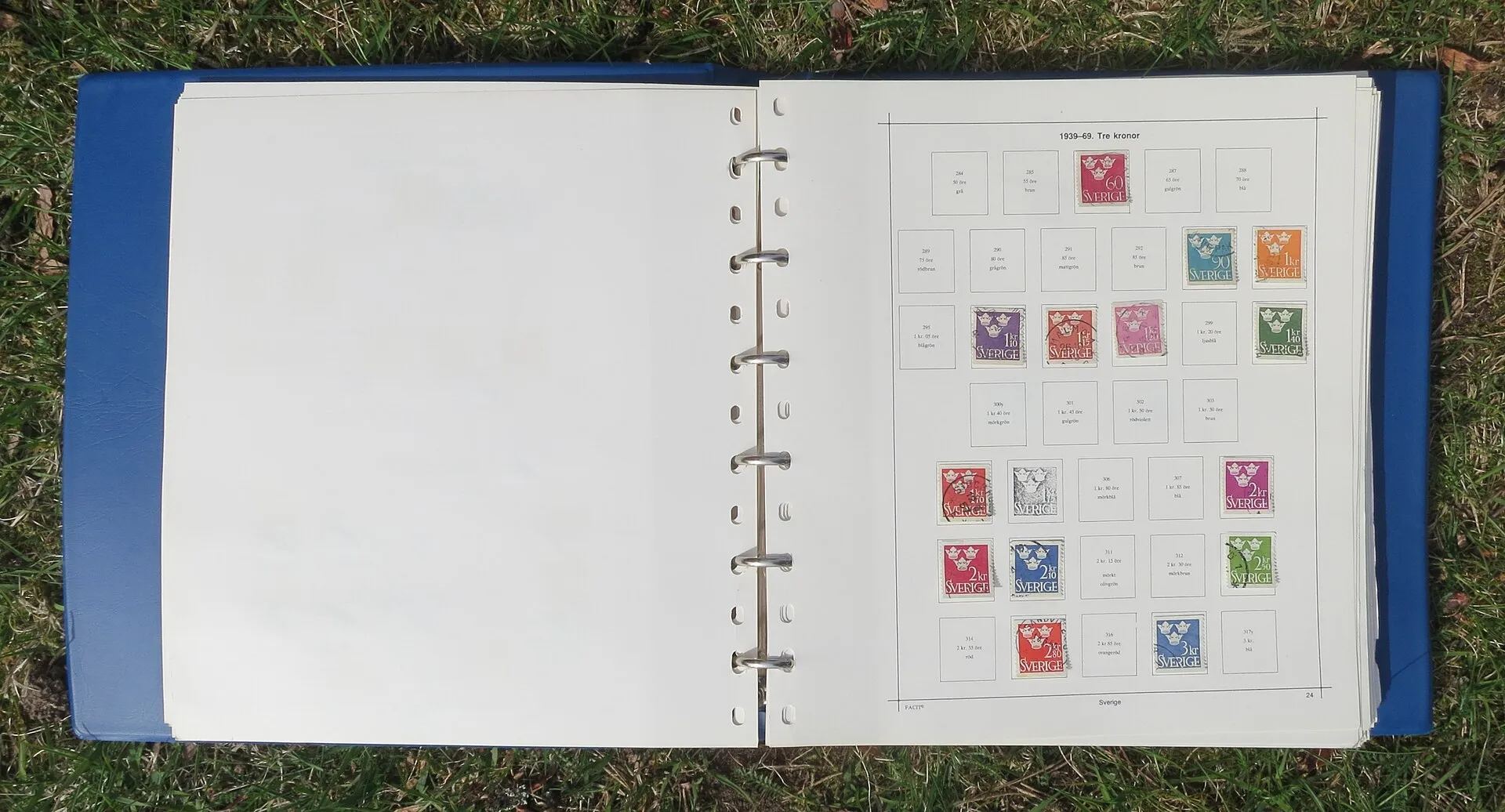

Step by step
-
Sort by issuer
Make one pile per country or postal administration. If you cannot read an inscription, look it up by the words on the stamp in our issuer directory.
-
Then by period
Within each issuer, sort by era or by reign: classics, inter-war, post-war, modern. The currency on the stamp is a quick clue.
-
Separate duplicates
Keep the best copy for the collection and put the rest aside for swaps.
-
Note the condition
Mint never hinged, mint hinged or used. Write it down: it matters more for value than almost anything else.
-
Add catalog numbers
Scott, Michel, Stanley Gibbons or your local catalog. Numbers make a collection searchable and comparable with price lists.
-
Store it safely
Use a stockbook or a hingeless album, handle stamps with tongs, and keep them away from sunlight, damp and adhesive tape.
-
Keep a record
A list or photos of every page protect you against loss and make a later sale or insurance claim far easier.
Album or app?
They do different jobs. The album keeps the stamps; the app keeps what you know about them.
| Album or stockbook | Stamp Identifier app | |
|---|---|---|
| Holds the stamps | Yes, safely if stored well | No, it keeps photos and details |
| Find a stamp | Turn the pages | Search your saved stamps by name |
| Catalog numbers | Written by hand | Filled in when the app can find them |
| Price orientation | From printed catalogs | Reference range from eBay listings, with Premium |
| Survives loss | Only if you keep photos | From app version 2.0, restored after a reinstall on the same iPhone |
| Share or export | Show the album | Not available yet |
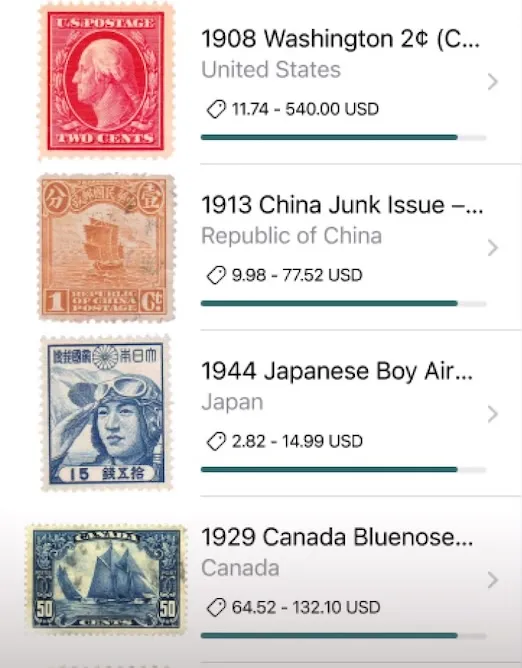
Your collection in the app
Every stamp you identify can be saved with one tap: photo, issuer, year, catalog numbers and rarity score. Search the list by name, open any stamp to see its full entry, and delete what you no longer need. From app version 2.0 the collection is also kept on our server, so it comes back when you reinstall the app on the same iPhone.

Questions about organizing
By issuer first, then by period or catalog number. Thematic collectors sort by topic instead, such as birds or ships, and note the issuer on each page.
A stockbook is quick and flexible for sorting and duplicates. A printed or hingeless album suits a finished country collection. Many collectors use both.
Hinges leave a mark that lowers the value of mint stamps. Use clear mounts or a stockbook for mint stamps; hinges are acceptable for common used stamps.
Not yet. The app keeps your saved stamps with search and restores them after a reinstall on the same iPhone, but it has no export or sharing.
Start with
one stamp
Download the app, point the camera at a stamp and tap Identify. Your first identification every 24 hours costs nothing.
Scan a stamp to identify it
Snap a photo and get instant details, catalog numbers, and value
Identify